
Sign up and set up your Sender Profile
Your "from" identity for every email and every public page.
Your sender profile is the “from” identity that recipients see in their inbox and that brands every public page (SmartLinks, Toolkits, Label Pages). Most labels set up one profile for the imprint; agencies and groups set up one per label (Label tier supports up to 3, Agency supports unlimited).
What you’ll do
- Pick a label name and upload your logo (square or 1:1 crop works best).
- Write a short signature line (one or two sentences, used as the email footer).
- Set your reply-to email so artists and DJs can hit Reply and you actually get the message.
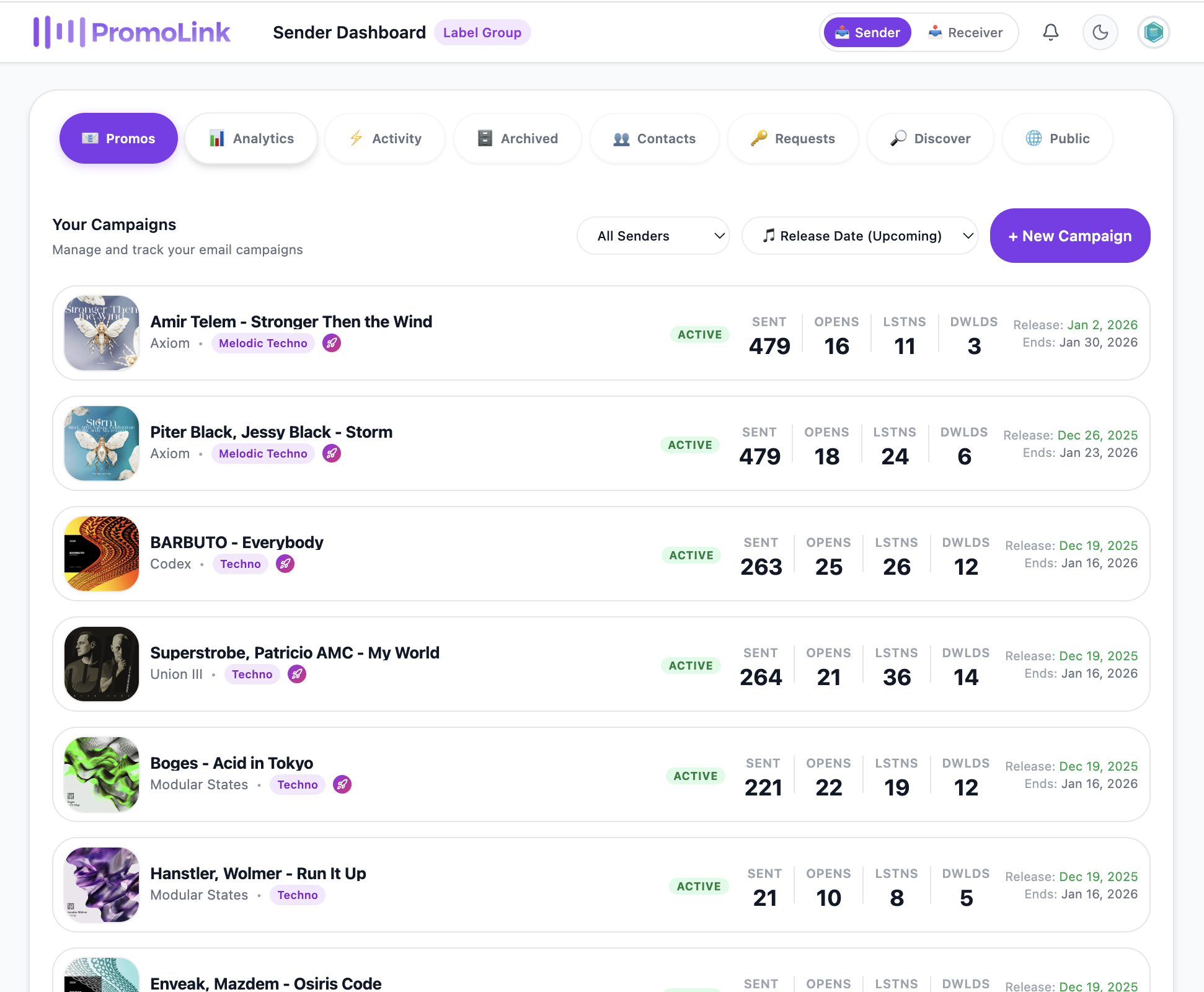
Import your contact list
Bring your CSV from Inflyte, Hypeddit, or your label spreadsheet.
Bring your existing list. PromoLink imports any CSV with email + name columns plus optional fields (city, country, role, tags). The importer auto-detects column types and lets you re-map anything it got wrong before you commit. From here the automation takes over: your imported contacts become the audience the release cascade runs against, and as they engage their activity rolls up into the Beatport-style chart so you can scout who is getting played. Coming from another tool? See why labels treat PromoLink as their Inflyte alternative.
What you’ll do
- Export from Inflyte, Hypeddit, or your label spreadsheet as CSV.
- Drop the file into the importer and review the auto-detected columns.
- Tag your contacts (e.g. by genre, role, region) so you can build mailing lists and segments.
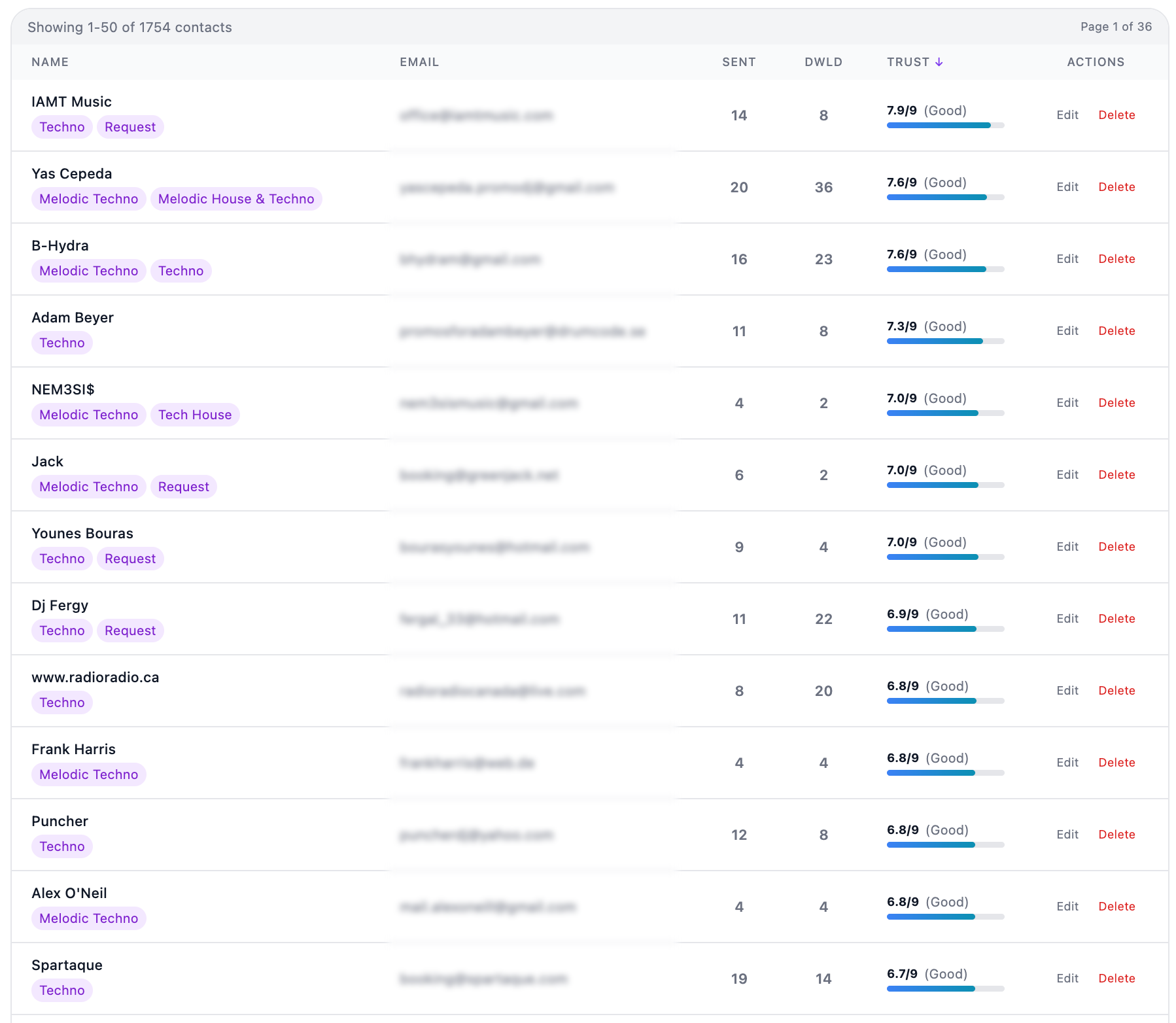
Send your first promo campaign
AI drafts the email with the tone and length you pick. You review and send.
A promo in PromoLink is a campaign: subject line, email body, audio attachment, and a recipient segment. The AI assist generates per-recipient personalised messages with a tone you pick (friendly, formal, warm, witty) and a length you pick. You always review and edit before anything goes out. Audio renders as a waveform player with transcoding support for MP3, WAV, and AIFF.
What you’ll do
- Pick the recipient segment (or send to your whole list for the first run).
- Upload the track. PromoLink renders a waveform player and transcodes to the formats DJs need.
- Click "AI draft", pick the tone and length, review the result, edit anything that doesn't sound like you.
- Send a test to yourself first, then schedule or send to the segment.
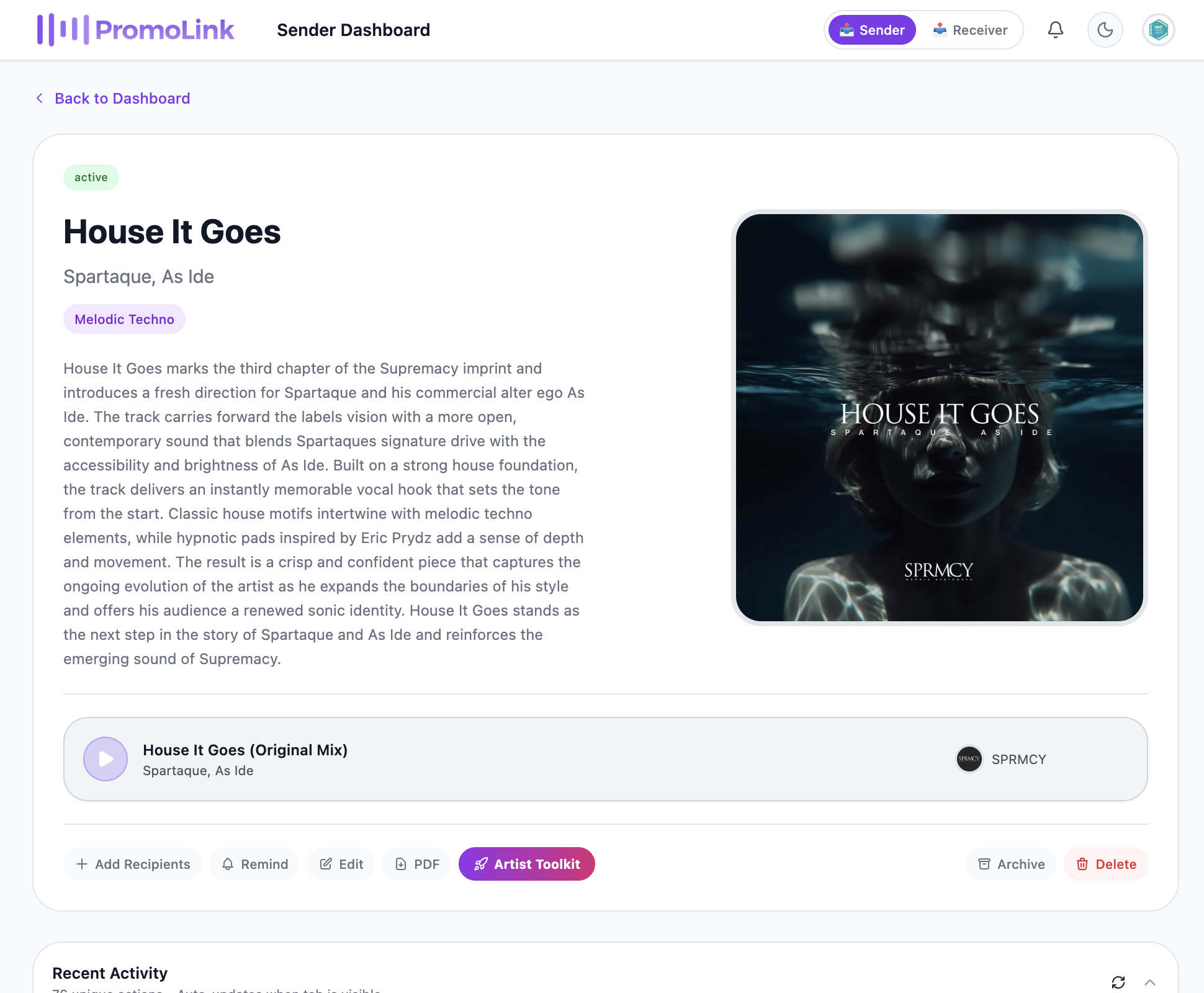
Activate the Artist Toolkit
Once your campaign is out, one click bundles the SmartLink, automated emails, magic-link dashboard, and analytics into a single workspace.
This is where the work pays off. Once your campaign has gone out, open the release in your dashboard and click Activate Toolkit. In one click PromoLink bundles together everything an artist needs for the release:
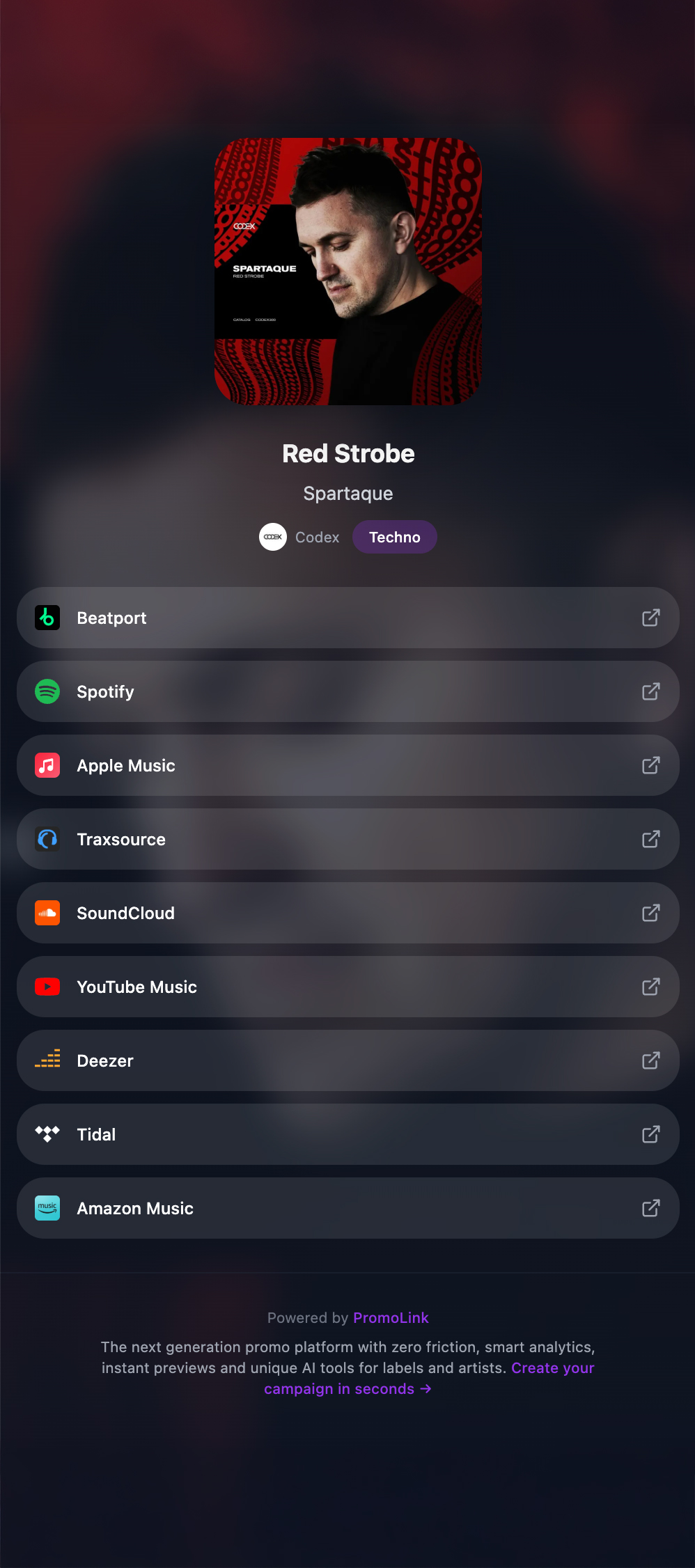
- A SmartLink that auto-detects Spotify, Apple Music, Beatport, YouTube, SoundCloud, and more (you do not need to make one separately).
- Two automated emails: an Intro the moment you activate, and a Release Day mail sent on the release date you set.
- A magic-link dashboard for the artist (no password, no signup) showing live release stats, track-by-track analytics, and geographic reach.
- A SmartLink editor and SmartLink analytics inside the Toolkit so the artist can tweak their own page without bugging you.
- Auto-placement on your Public Label Page (if you have one) and Meta Pixel firing for retargeting (Artist plan and up).
- Optional: add managers, A&Rs, or collaborators to the Toolkit so the whole release team shares one source of truth.
That’s the full release workflow. The artist takes over from here, you move on to the next release.
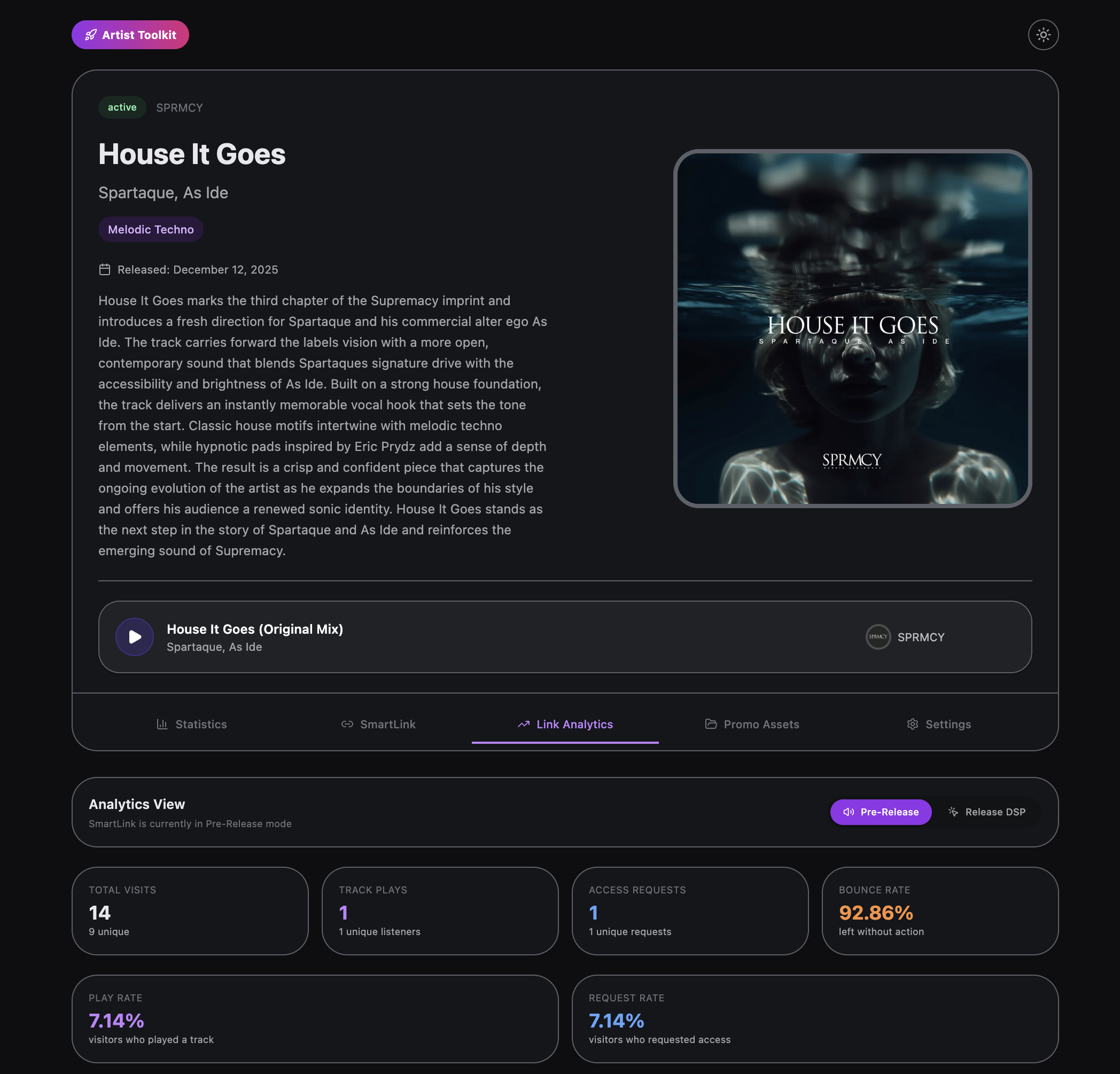
Publish your Public Label Page
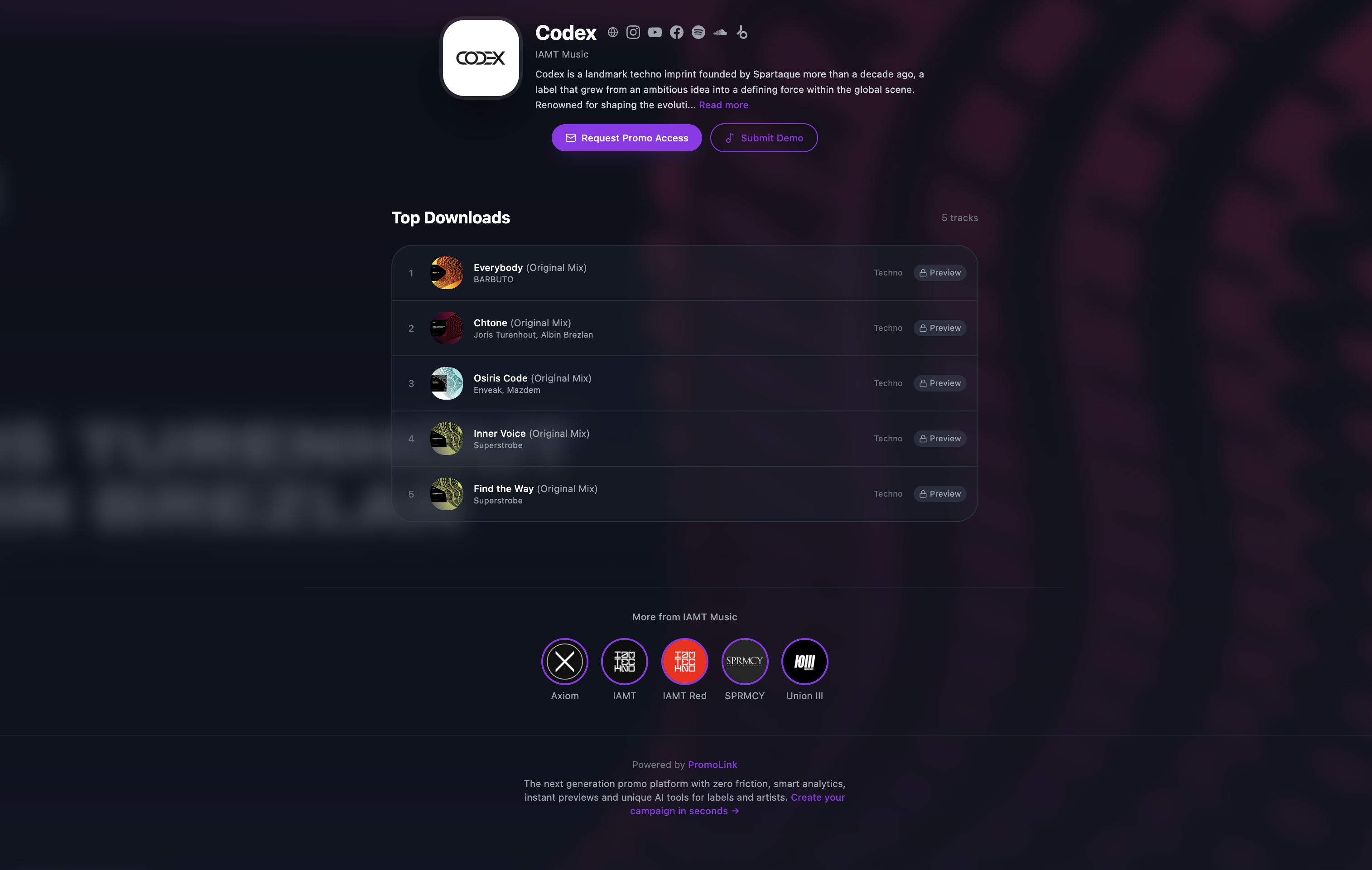
Your branded catalog at promolink.app/your-label. Activated Toolkits land here automatically.
A Public Label Page is your branded catalog at promolink.app/your-label, showing your top tracks (auto-ranked by downloads) with your logo, background, and brand colours. Every Toolkit you activate is added here automatically. The page includes a Request Access flow so DJs and curators who discover you can apply to your promo list directly, plus visit, request, and referrer analytics. Available on the Label and Agency plans.
What you’ll do
- Toggle your Sender Profile to public from the dashboard.
- Upload a logo, a background image, and pick the brand colours.
- Optional: enable Request Access so new contacts can apply to your promo list.
- Drop the Label Page URL in your bio, on Bandcamp, in your email signature.
SmartLink only — for external releases
Use this only for tracks already released elsewhere and that haven’t been promoted through PromoLink. Examples: a back-catalog release you want a SmartLink for, a track you put out before joining PromoLink, or a release you’re not running a promo campaign for.
From the dashboard home, click SmartLink only, paste the Spotify URL of the released track or album, and PromoLink fetches the metadata and auto-detects Apple Music, Beatport, YouTube, SoundCloud and more. You get a standalone SmartLink. No Toolkit, no automated emails, no artist dashboard.
Important: if the release is going through PromoLink — i.e. you are sending a promo campaign for it — skip this side flow. Just send the campaign and activate the Toolkit (Step 4 above). The Toolkit creates the SmartLink for you and bundles everything else with it.
That’s your release loop
Every future release uses the same pieces: same Sender Profile, same contact list, same Public Label Page. Fresh Toolkit per release — the Toolkit creates the SmartLink, sends the intro and the release day mail, and slots the release onto your Label Page automatically. You ship, the Toolkit runs.